Searching for ElevenLabs alternatives 2026 brings up an awkward mix of creator studios, developer APIs, reading apps, and open source models. They all turn text into speech. They do not solve the same job.
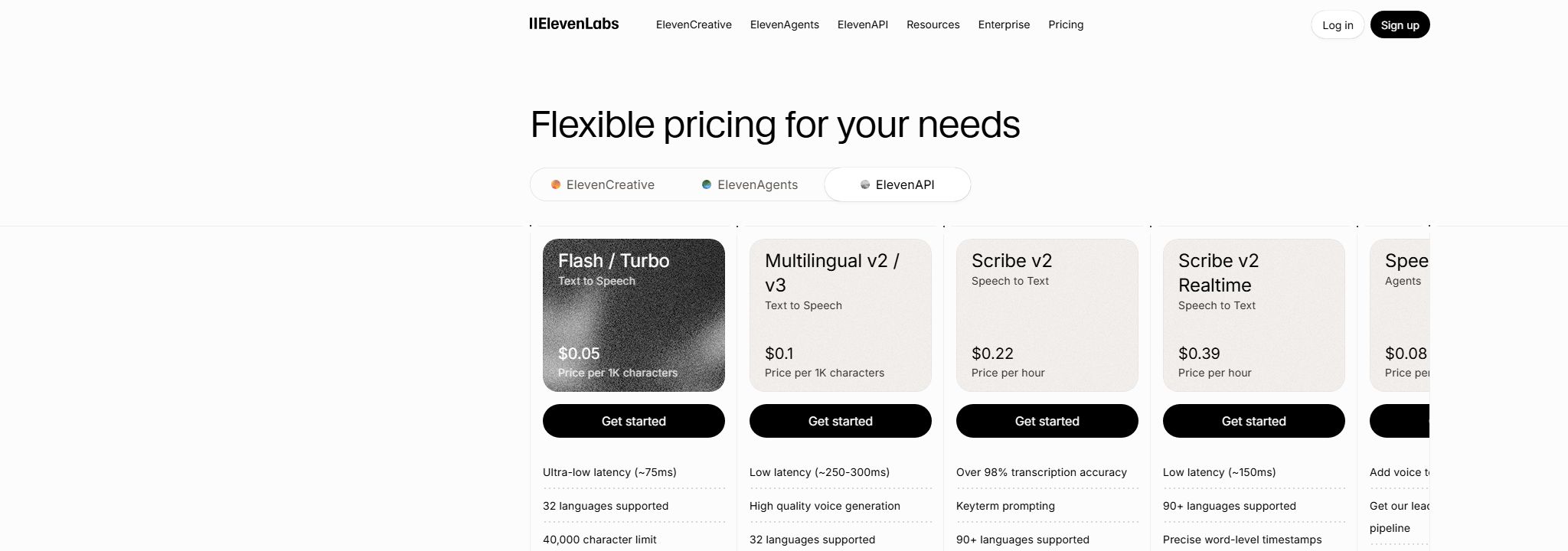
ElevenLabs remains a strong baseline. Its current API pricing starts at $0.05 per 1,000 characters for Flash and Turbo models, and it now offers pay-as-you-go billing. That change matters. Old comparisons that treat ElevenLabs as subscription-only are already stale.
The reason to switch is usually more specific: you want editing and voiceover in one timeline, predictable long-form production, faster conversational latency, broader cloud controls, or a model that runs on your own machine. I compared the current products around those jobs, checked vendor pricing on July 22, 2026, and read recent Reddit threads to catch the pain that polished product pages skip.
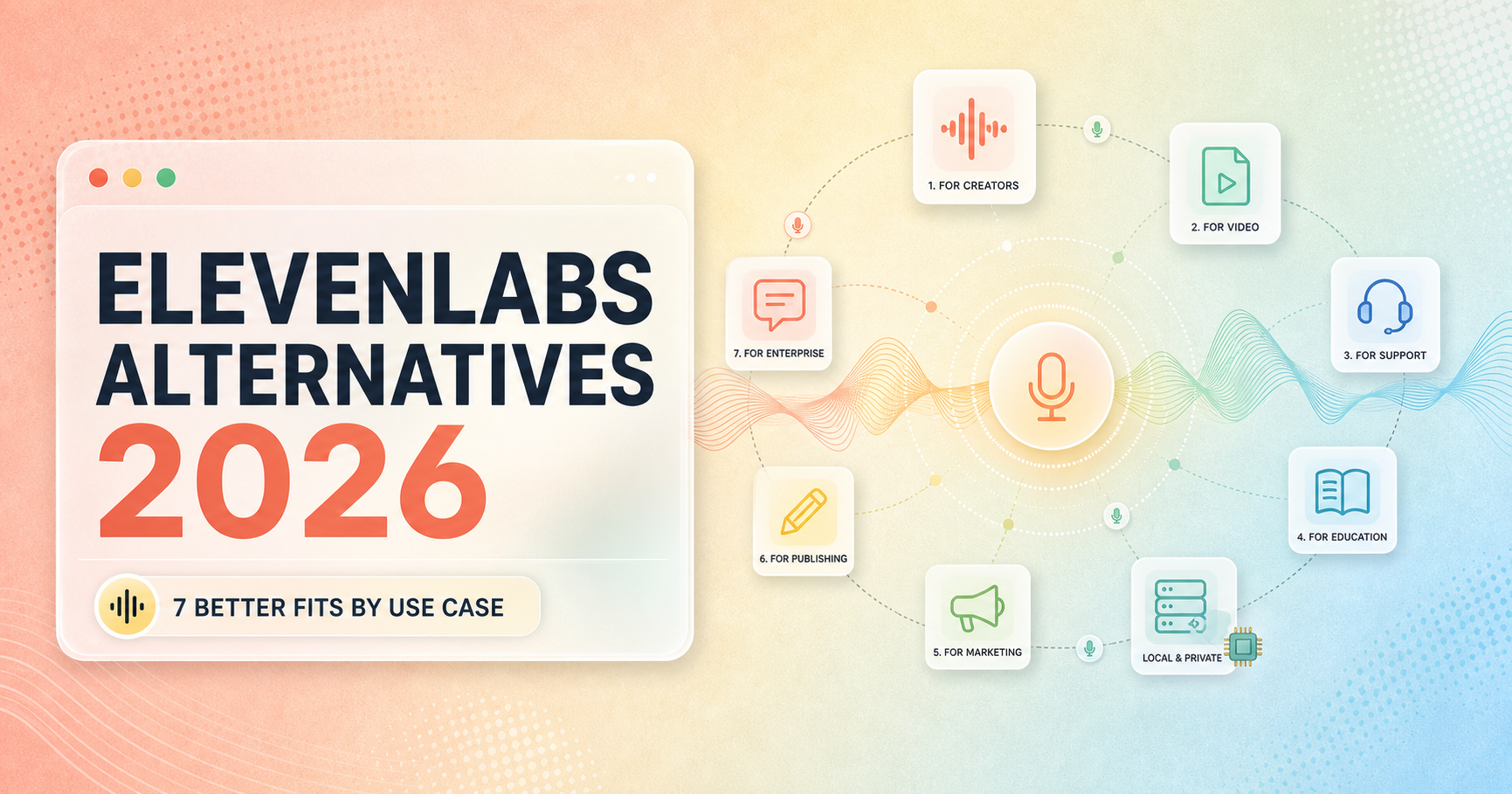
The seven picks at a glance
| Alternative | Best fit | Current price signal | Main catch |
|---|---|---|---|
| Descript | Podcast and video editing | Free; paid from $16/month annually | Overkill for API-only TTS |
| Speechify Studio | Multilingual creator production | Free; Starter $19/month | Shared credit pool |
| Murf AI | Training and presentation teams | Free workspace; paid plans vary | Less developer-focused |
| Cartesia | Real-time voice agents | Free; Pro $5/month | No full creator editor |
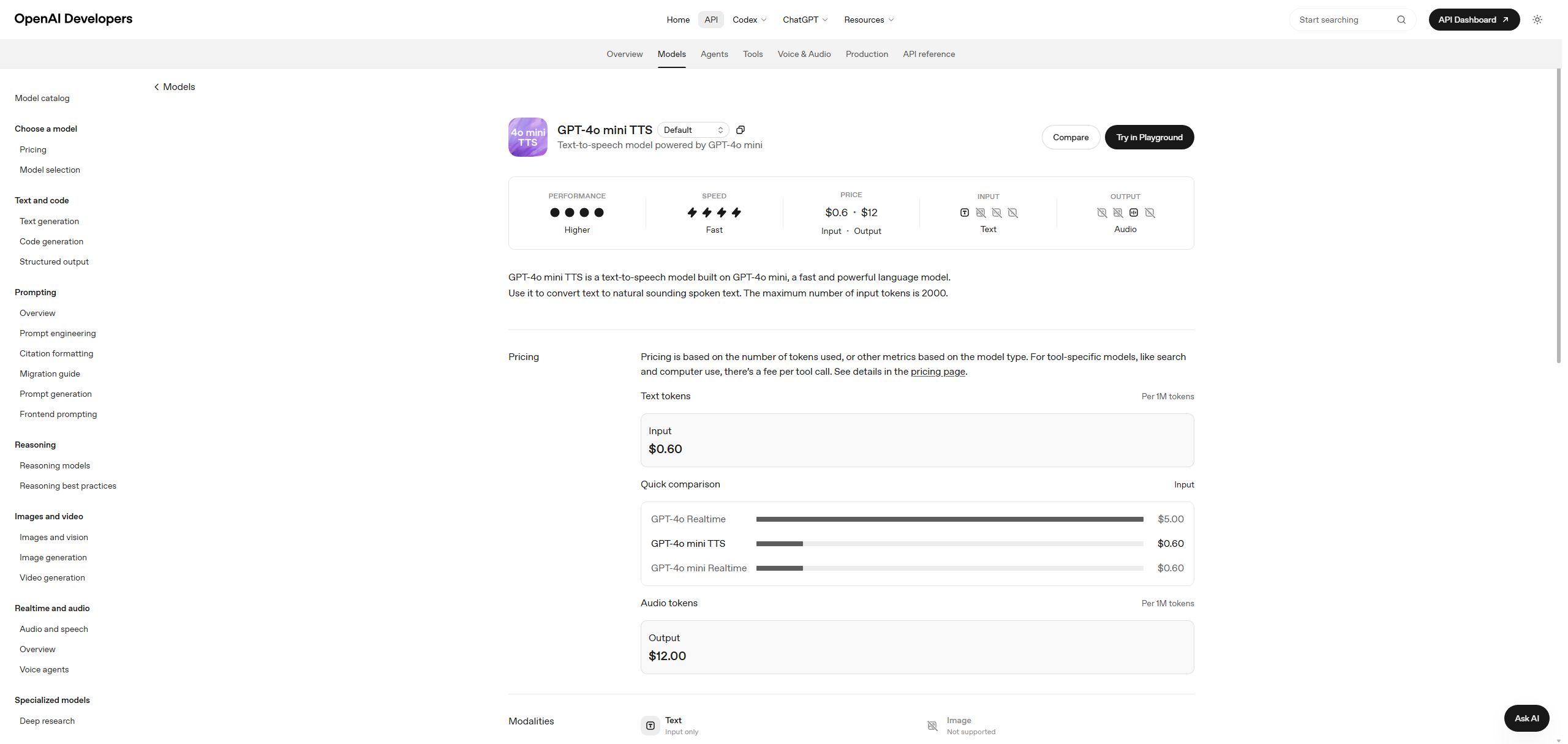
| OpenAI TTS | Existing OpenAI API stacks | Usage-based token billing | Costs need calculation |
| Google Cloud TTS | Language range and cloud operations | Usage-based by model | Infrastructure-heavy setup |
| Kokoro | Local and private narration | Open source | You maintain it |
My broad pick for creators is Descript because corrections, timing, and exports stay together. Developers building live agents should start with Cartesia. If the monthly credit meter is the problem itself, Kokoro is the cleanest escape, provided you are willing to become your own support desk.
Why people actually look beyond ElevenLabs
Recent Reddit discussions are strikingly consistent, even though the users have different projects.
In r/LocalLLaMA, a documentary creator praised the voice quality but said 8 to 10 minute videos made the budget hard to sustain. A student in r/software asked for a free option good enough to start a video channel. A developer building a personal reader ran into the limits of a starter subscription once a cloned voice entered the app.
The common complaints are practical:
- Long-form narration consumes allowances faster than a 20-second demo suggests.
- Credit systems make mixed jobs, such as dubbing plus voice generation, harder to forecast.
- Some cheaper tools sound polished in ads but stiff in documentary narration.
- Developers want lower latency, clear concurrency, and fewer moving billing parts.
- Privacy-minded users want local inference and no recurring meter.
Reddit posts are anecdotes, not controlled tests. Still, when the same friction shows up in creator, developer, and self-hosting communities, it deserves a place in the buying decision.
1. Descript: best for creators who edit what they generate
Descript is the strongest alternative when voice generation is only one part of the job. You edit a transcript, repair a line, clean the recording, arrange video, and export from the same project. That saves more time than shaving a fraction off the raw TTS price.
The free plan lets you inspect the workflow. Hobbyist starts at $16 per person each month with annual billing, or $24 month to month. It includes AI speech with stock voices and custom voice cloning, while higher tiers add more media time and AI credits.
Choose it if: you make podcasts, tutorials, talking-head videos, or product explainers and regularly fix wording after the first cut.
Skip it if: your application needs thousands of small speech calls. Descript is a production desk, not a lean speech API.
The experienced-user view: Descript wins when revisions are the expensive part. If your script changes six times, a cheap standalone voice generator can become the costly option once file shuffling starts.
If Descript is your frontrunner, read my ElevenLabs vs Descript (2026) comparison next. It breaks down the difference in voice control, editing speed, and credit usage before you move a real production workflow.
2. Speechify Studio: best for multilingual creator workflows
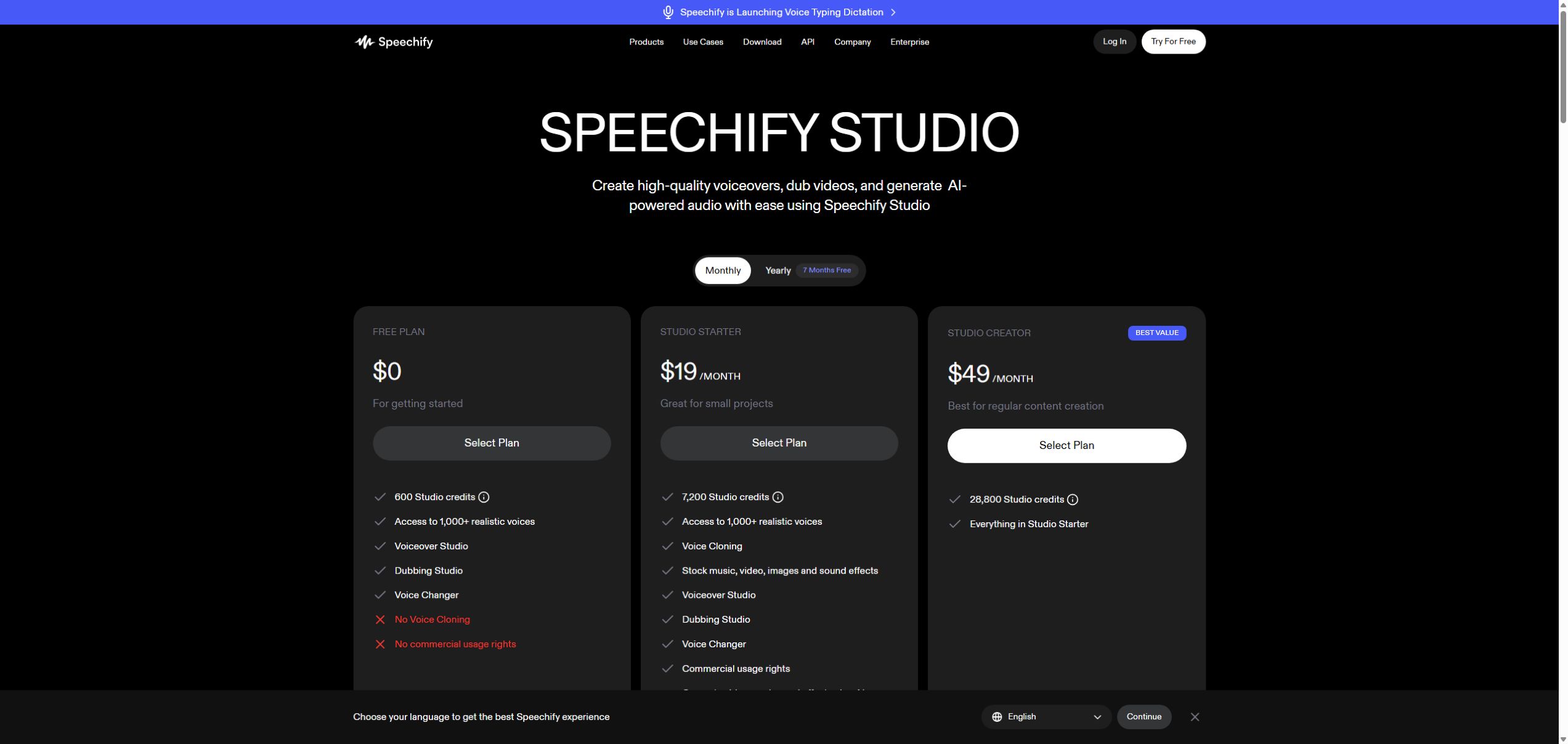
Speechify Studio bundles voiceover, dubbing, voice changing, cloning, and media assets in a browser workspace. Its free plan lists 600 Studio credits and access to more than 1,000 voices, but it excludes voice cloning and commercial usage rights. The $19 monthly Starter plan adds both.
That makes it easier to understand than Speechify’s reading product, which is a separate subscription. Confusing the two is a classic checkout mistake. Studio is for making audio that you publish. The reader is for listening to material yourself.
Choose it if: one project moves between narration, translated video, and supporting media.
Skip it if: you only want English TTS through an API, or you dislike a shared credit currency across several tools.
Speechify’s pitch is broad, so test the exact voice, language, and export rights you need before moving a whole channel. A catalog of 1,000 voices is less useful than one voice that handles your product names without drama.
If Speechify is your frontrunner, read my ElevenLabs vs Speechify Studio comparison next. It shows where specialist voice control beats the broader creator suite, and where dubbing, video, and the shared credit pool change the result.
3. Murf AI: best for training and presentation teams
Murf AI feels built for people who ship explainers, internal training, product demos, and presentations on a schedule. Its current help material lists more than 300 voices across 39 languages and accents, with filters for age, style, accent, and use case.
The practical advantage is structure. A marketing or learning team can find a suitable voice, adjust pronunciation, keep projects organized, and let non-engineers work in the same environment. That matters when the person approving a compliance course has no interest in reading API documentation.
Choose it if: several people produce repeatable business content and need a predictable studio workflow.
Skip it if: your main requirement is low-latency streaming or transparent per-character economics. Confirm paid pricing inside the current Murf workspace before budgeting.
Murf is the sensible office pick. That sounds less exciting than a voice-cloning demo, but sensible is useful when 40 training slides are due Friday.
If Murf matches your workload, read my ElevenLabs vs Murf AI comparison next. It explains where ElevenLabs earns its keep through performance control, and where Murf’s projects, pronunciation tools, presentation integrations, and annual voice allowance make the calmer business choice.
4. Cartesia: best for real-time voice agents
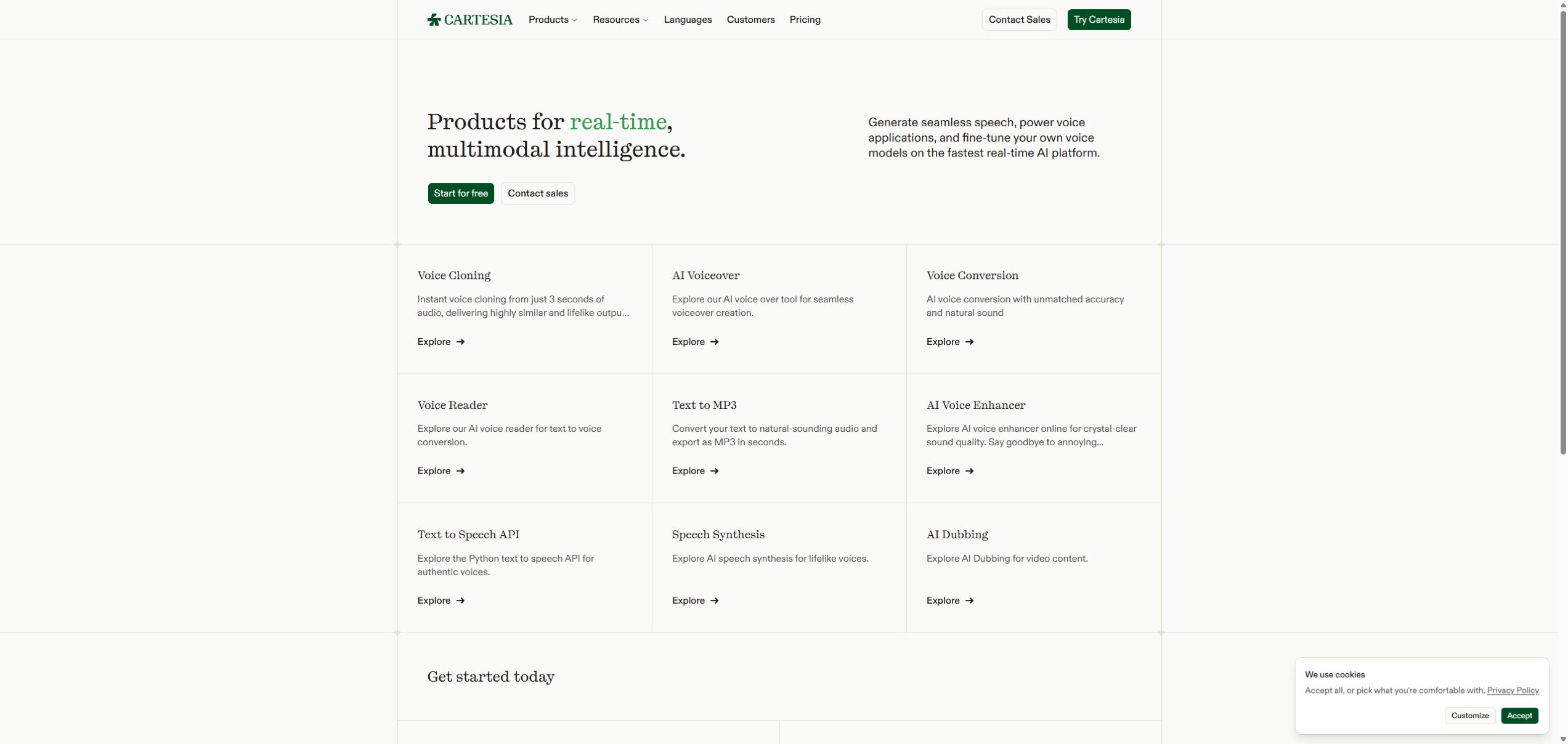
Cartesia is the clearest specialist here. Sonic 3.5 targets real-time speech, and the WebSocket API supports contexts, interruptions, and concurrent generation. Those details matter in support calls and assistants, where a beautiful voice that responds late still feels broken.
The free plan includes about 27 TTS minutes and two concurrent TTS requests. The $5 Pro plan lists about 133 minutes, three concurrent TTS requests, a commercial license, and instant voice cloning. Startup and Scale tiers raise concurrency.
Choose it if: you are building a conversational agent, live support flow, or interactive character.
Skip it if: you need a friendly timeline for a 20-minute narration. Cartesia gives developers sharp tools and expects them to build the desk.
Pricing is unusually legible for a voice API, which I appreciate. The catch is that model credits, agent call charges, telephony, and LLM usage can still land on different lines of the bill.
If your shortlist has narrowed to these two providers, read my ElevenLabs vs Cartesia comparison next. It separates expressive voice quality from real-time agent speed, then shows what to test for streaming, interruptions, concurrency, and production cost.
5. OpenAI GPT-4o mini TTS: best for an existing OpenAI stack
GPT-4o mini TTS makes sense when your app already sends requests through OpenAI. It accepts text and returns audio, supports style instructions, and keeps authentication, SDK patterns, and billing in one place.
Current pricing is $0.60 per one million text input tokens and $12 per one million audio output tokens. That is precise for a developer and annoyingly abstract for a producer holding a 1,700-word script. Run your own cost calculation with representative text and output duration.
Choose it if: your product already uses OpenAI and you value fewer vendors more than a large standalone voice marketplace.
Skip it if: you want a visual studio, deep voice-library browsing, or a simple monthly minute allowance.
I would use it for generated app responses and controlled narration inside a larger pipeline. I would not ask a nontechnical editor to manage token math. They have suffered enough.
If your shortlist is down to these two, read my ElevenLabs vs OpenAI GPT-4o mini TTS comparison next. It separates voice-library depth and cloning from OpenAI’s simpler SDK, token billing, and streaming path.
6. Google Cloud Text-to-Speech: best for language range and cloud controls
Google Cloud Text-to-Speech suits teams that already live in Google Cloud and care about language variants, SSML, REST or gRPC integration, regional operations, and output formats. Google lists more than 380 voices across over 75 languages and variants on its product page.
Pricing depends heavily on the model. Chirp 3 HD includes a free allowance of one million characters, then costs $30 per million characters. Standard voices include four million free characters and cost $4 per million after that. Model quality and control differ, so the cheapest line is not a substitute for listening.
Choose it if: infrastructure controls and language coverage outrank a creator-friendly interface.
Skip it if: you want to open a project, drag in a script, and publish today. The console exposes the machinery.
Google Cloud is the boring grown-up option. That is a compliment when procurement, quotas, and regional deployment are part of your Tuesday.
If your shortlist is down to these two, read my ElevenLabs vs Google Cloud Text-to-Speech comparison next. It separates creative voice control and cloning from language coverage, SSML, IAM, streaming, and cloud operations.
7. Kokoro: best for local, private narration
Kokoro is an 82 million parameter open source TTS model with Apache 2.0 weights. It can run locally through Python or ONNX tooling, which removes subscription credits and keeps text on your own machine.
This is the strongest response to the local-first theme that appears in r/selfhosted. It also has real limits. Kokoro is primarily a model, not a hosted production service. Voice cloning is not its job, multilingual coverage is narrower, and pronunciation failures become your problem.
Choose it if: privacy, offline operation, or predictable compute cost matters enough to justify setup.
Skip it if: editors need a polished team workspace, contractual support, or one-click dubbing.
Local TTS is free in the same way a vegetable garden is free. The meter disappears. The chores do not.
If your shortlist is down to hosted polish and local control, read my ElevenLabs vs Kokoro comparison next. It covers expressive quality, setup, privacy, licensing, hardware cost, and the maintenance work hidden behind a free model.
Who this guide is for
These alternatives make sense for:
- YouTube and documentary creators producing several 8 to 10 minute narrations each month.
- Podcast and video editors who spend more time fixing lines than generating them.
- Product teams building live voice agents with latency and concurrency requirements.
- Training teams that need repeatable pronunciation and approval workflows.
- Developers who want local processing, privacy, or a simpler vendor stack.
This guide is a poor fit for someone who needs one excellent cloned voice, already likes ElevenLabs output, and now benefits from its lower 2026 API rates. Switching tools carries a real cost: rebuilt voice settings, pronunciation dictionaries, consent records, integrations, and another round of listening tests.
How to choose without wasting a week
Start with one real script. Include a proper noun, an acronym, a date, a sentence with emotion, and a paragraph longer than 150 words. Then check five things:
- Editing cost: How many steps does one wording correction take?
- Long-form economics: Price an 8 to 10 minute output, not the vendor’s tiny demo.
- Rights: Confirm commercial usage, cloning consent, and export terms for your plan.
- Delivery: Measure first-audio latency for agents, or export time for produced content.
- Recovery: Find out what happens after a failed generation or exhausted credit pool.
Keep the same script and listening setup for every tool. Headphones can expose breathing and sibilance that laptop speakers politely hide. Ask one other person to listen without telling them which product made each file. Brand names are surprisingly loud.
My final recommendation
For most podcast and video creators, start with Descript. Its advantage appears after generation, when the script changes and the deadline does not. Choose Speechify Studio for multilingual creator work, Murf AI for structured training content, and Cartesia for live voice agents.
Developers already paying for OpenAI should test GPT-4o mini TTS before adding another vendor. Google Cloud teams should compare Chirp 3 HD against their required languages and SSML controls. Pick Kokoro when local operation is the requirement, not a weekend hobby disguised as a requirement.
ElevenLabs is still the safer default when its voice quality fits and the revised API pricing fits your volume. The best alternative is the one that removes your actual bottleneck, not the one with the longest voice menu.
Current vendor records
These records keep the baseline product and the shortlist tied to dated vendor pricing. Check the linked official page before buying because voice pricing changes quickly.
ElevenLabs
Web · API
- Free plan
- Listed
- Starting price
- USD 6
Alternative shortlist
Descript
Best for: podcasters and video creators who want voice generation inside the editor
- Where it wins
- Text-based audio and video editing keeps corrections in one production timeline.
- Where it gives up ground
- The full editor is excessive if you only need a clean TTS endpoint.
- Price note
- Free plan; Hobbyist starts at $16/month with annual billing.
Speechify Studio
Best for: creators producing multilingual voiceovers and dubbed video
- Where it wins
- One browser workspace covers voiceover, dubbing, voice changing, and media assets.
- Where it gives up ground
- Studio credits are shared across tools, so mixed workloads need monitoring.
- Price note
- Free plan; Studio Starter is $19/month.
Murf AI
Best for: training, presentation, and business content teams
- Where it wins
- A structured studio and broad voice filters suit repeatable business production.
- Where it gives up ground
- It is less compelling for developers who want a lean, usage-priced API first.
- Price note
- Free workspace available; confirm paid Studio pricing in your account.
Cartesia
Best for: developers building low-latency voice agents
- Where it wins
- Streaming APIs, context handling, and clear concurrency tiers fit live conversations.
- Where it gives up ground
- It is an API product, not a polished long-form creator workstation.
- Price note
- Free plan; Pro is $5/month with about 133 TTS minutes.
OpenAI GPT-4o mini TTS
Best for: developers already using the OpenAI API
- Where it wins
- Voice instructions and one familiar API stack reduce integration sprawl.
- Where it gives up ground
- Token billing is harder to estimate from a script than a simple minute allowance.
- Price note
- $0.60 per 1M text input tokens and $12 per 1M audio output tokens.
Google Cloud Text-to-Speech
Best for: teams that need language coverage, SSML, and Google Cloud operations
- Where it wins
- Large voice and language coverage with mature cloud controls and formats.
- Where it gives up ground
- The console and model catalog feel like infrastructure, because they are.
- Price note
- Usage-based; Chirp 3 HD is $30 per 1M characters after its free allowance.
Kokoro
Best for: technical users who want local, private, low-cost narration
- Where it wins
- Apache 2.0 weights and local inference remove subscription credit anxiety.
- Where it gives up ground
- You own setup, pronunciation fixes, deployment, and every future maintenance chore.
- Price note
- Open source; hosting and compute are your costs.